


TikTok Download no Watermark :: In this comprehensive guide, we will walk you through the process of downloading TikTok videos without watermarks. TikTok has become a global sensation, with millions of users sharing creative and entertaining videos on the platform. However, many users face the challenge of downloading TikTok videos without the intrusive watermark that comes with them.
We understand the importance of having clean, watermark-free videos, and we are here to help you achieve that. In this article, we will provide you with step-by-step instructions and recommend reliable tools and methods to download TikTok videos without watermarks.
Method 1: Online Tools
There are several online tools available that allow you to download TikTok videos without watermarks. These tools are easy to use and require no technical expertise. Here’s how you can use one of these online tools:
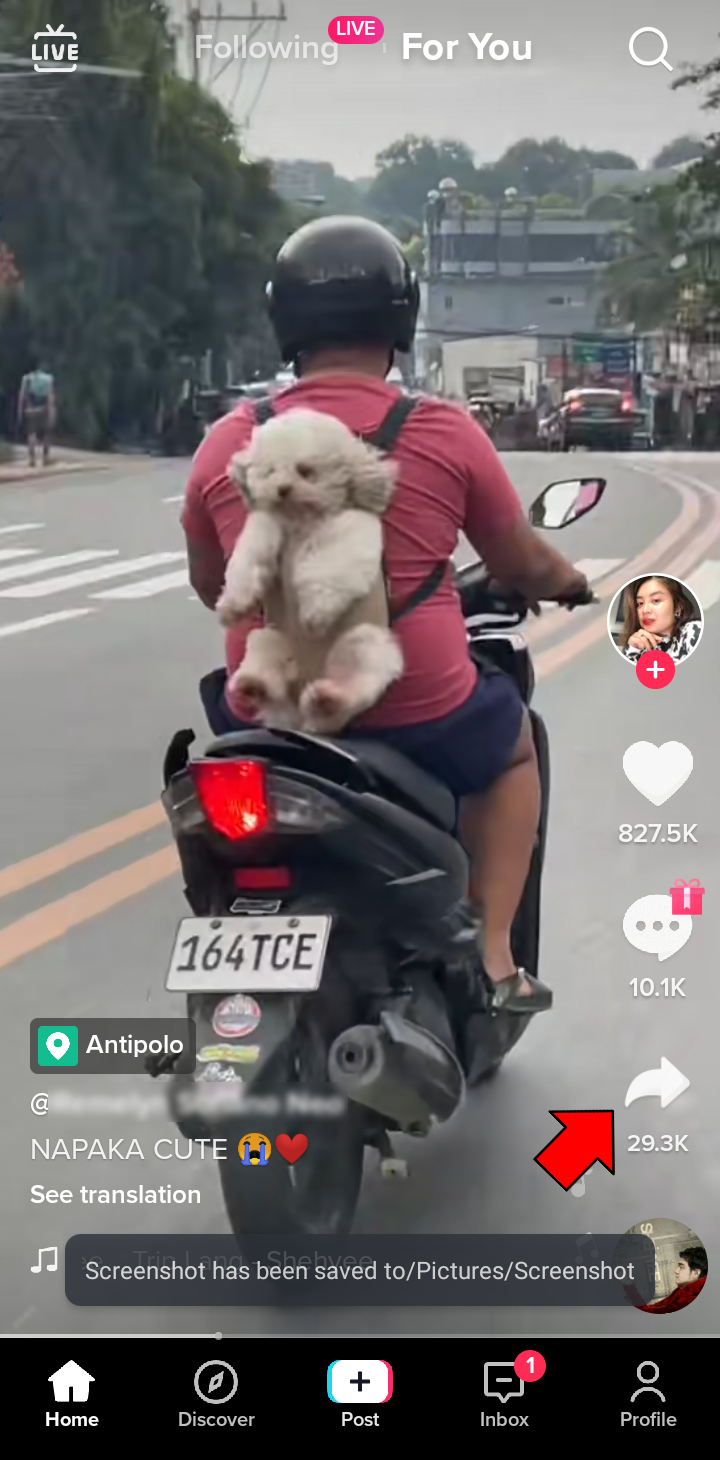
1. Go to the TikTok app on your mobile device and find the video you want to download.

2. Tap on the “Share” button and select the “Copy Link” option to copy the video’s URL to your clipboard.


3. Open your preferred web browser Tinywow TikTok video downloaders.
4. Paste the copied URL into the provided field on the website.
5. Click on the “Download” button, and the tool will process the video and present you with download options.
6. Select the desired video quality and click on the “Download” button again to save the TikTok video without the watermark to your device.
Method 2: Mobile Applications
If you prefer to download TikTok videos without watermarks directly on your mobile device, there are dedicated applications available for both iOS and Android platforms. These applications offer additional features and convenience. Here’s how you can use a mobile application to download TikTok videos without watermarks:
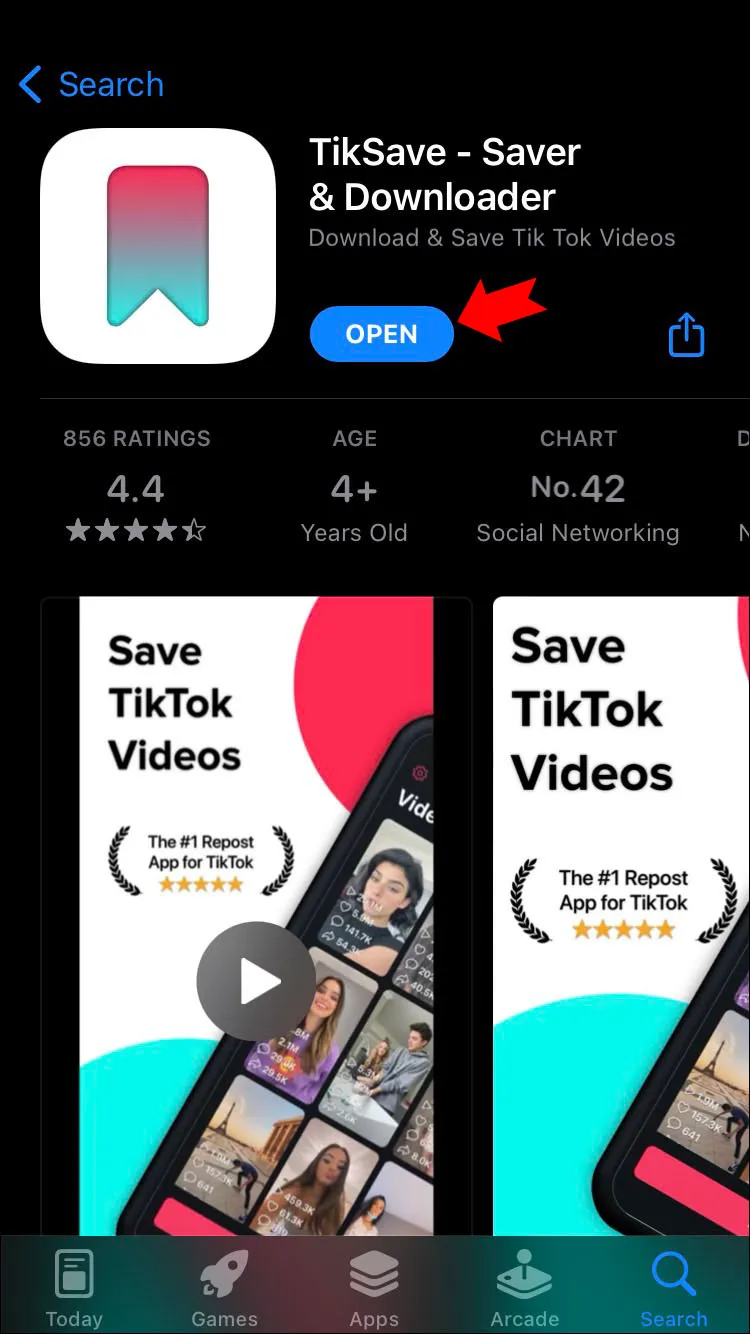
1. Install SnapTik App from your device’s app store.
2. Launch the application and allow any necessary permissions it requires.
3. Open the TikTok app and find the video you want to download.

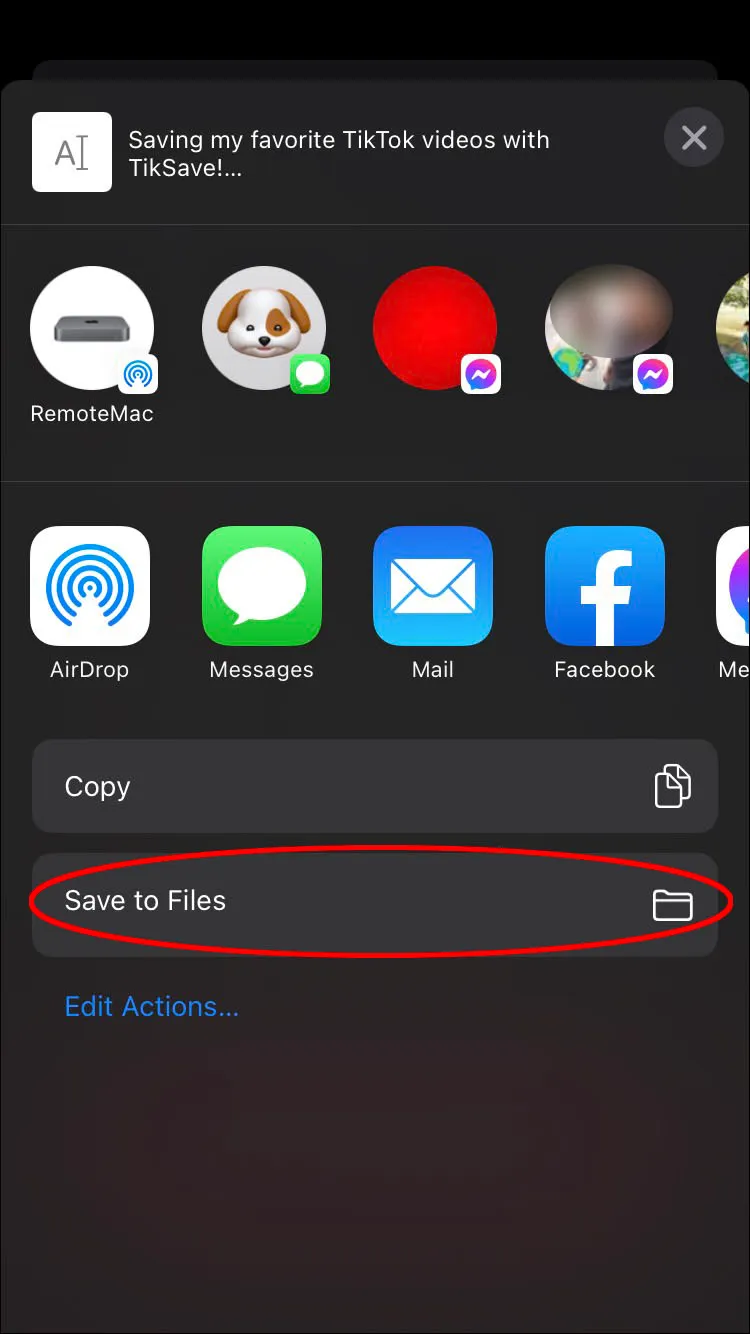
4. Tap on the “Share” button and select the option to share the video to the downloader application.
5. The downloader application will automatically process the video and provide you with various download options.
6. Choose the desired video quality and tap on the “Download” button to save the TikTok video without the watermark to your device.

Method 3: Using Screen Recording
If you cannot find a suitable online tool or mobile application to download TikTok videos without watermarks, you can resort to screen recording. Although this method may require some extra effort, it guarantees a watermark-free video. Here’s how you can download TikTok videos without watermarks using screen recording:
1. Open the TikTok app and find the video you want to download.
2. Pause the video and adjust any settings or filters you prefer.
3. Open the screen recording feature on your mobile device. On iOS, you can use the built-in screen recording feature in the Control Center. On Android, you can use third-party screen recording applications available on the app store.
4. Start the screen recording and play the TikTok video.
5. Once the video has finished playing, stop the screen recording.
6. The recorded video will be saved to your device’s gallery without any watermarks.
Read More : TikTok Downloading: The Ultimate Guide to Downloading TikTok Videos
Conclusion
In conclusion, TikTok Download no Watermark is an achievable task, thanks to various online tools, mobile applications, and screen recording methods. Whether you prefer the convenience of online tools, the additional features of mobile applications, or the reliability of screen recording, you now have multiple options to obtain watermark-free TikTok videos.
We hope this comprehensive guide has provided you with the necessary information and steps to download TikTok videos without watermarks successfully. Enjoy creating and sharing your favorite TikTok videos without any intrusive watermarks!




